Let's discuss your project
Trade terms for professionals and design studios
Let's discuss your project
Trade terms for professionals and design studios
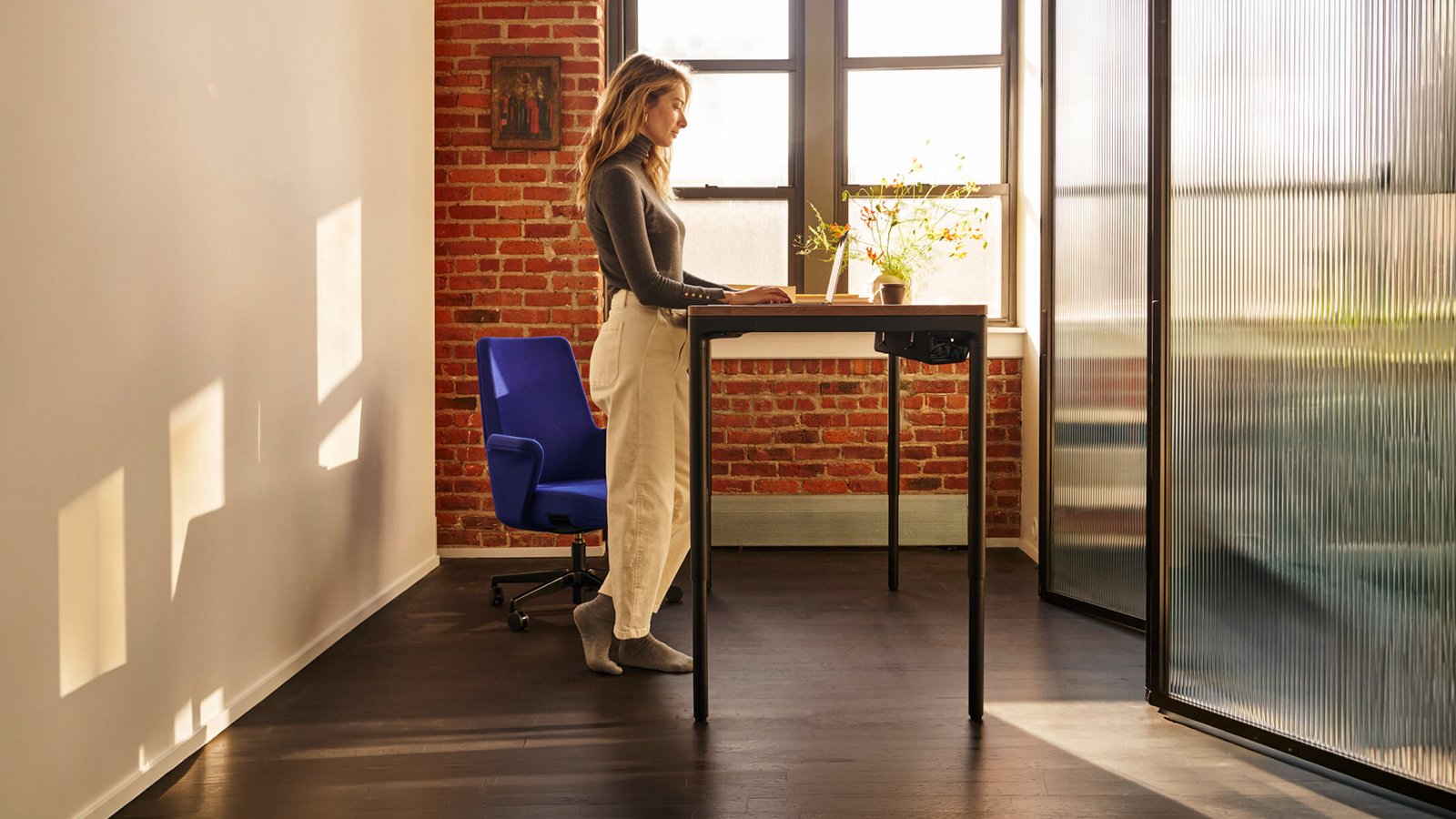
Ask about one figure before any other: 100 kg, the load Humanscale declares for eFloat Quattro. On a desk that spends the day moving between sitting and standing, that number tells you what the working set-up may weigh. Humanscale credits the four-leg frame with the stability for two monitors, heavier set-ups and the daily change of posture, and that is what sets it apart from modern tables built for one fixed height.
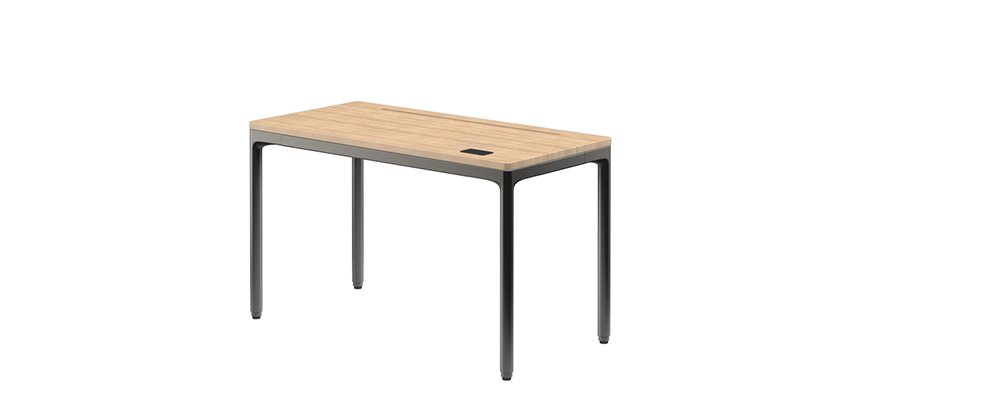
The same four round legs, where most standing desks rest on two, give it the outline of a proper table. That is why Humanscale presents it for the executive office as readily as for a study at home. The Humanscale Design Studio in New York kept the mechanics discreet: silent motors, anti-collision sensors and a digital handset on the right that stores two heights. A Smart Channel in most tops holds monitor arms and keeps cables out of sight.
Sizing comes first. There are two depths, 584 and 737 mm: the shallower one at 1,168 or 1,473 mm wide, the deeper one at 1,473 or 1,778 mm. Then the top: solid white oak or walnut, powder-coated MDF in Cloud White, Stone Gray or Carbon Black, or a wood-effect laminate in oak or walnut. The base follows in Carbon Black, Stone Gray or Cloud White. La Mercanti asks for a list of everything that will sit on the desk, screens and files included, and adds it up before suggesting a size.

Both, in Humanscale's own words. The manufacturer says the four-leg frame brings structure to offices and to well-appointed home studies alike, and that the desk is built for everyday reliability in either setting. For a director who works part of the week from home, that means the same desk, the same two stored heights and the same finishes in both rooms, so the habit of standing travels with the person.
Polyurethane. Humanscale points out that most electrical cables on the market are made with PVC, and that eFloat Quattro uses polyurethane-sheathed cables instead, which it describes as a safer, non-toxic alternative. Nobody will see the difference once the desk is in place, but it belongs in the material file of any fit-out where the client or the architect has asked for PVC to be kept out of the furniture.
The slot, which Humanscale calls the Smart Channel, comes with the powder-coated MDF tops and with the solid wood ones, walnut and white oak. The two wood-effect laminates, Natural Rift Oak and Continental Walnut, have a plain, continuous surface. So decide how the screens will be mounted before choosing the finish: a monitor arm fixed in the slot means MDF or solid wood, while a laptop-only desk can take any of the seven tops.
The power cable measures 2,750 mm and ends in a European plug. That is the distance to plan around, with a little slack kept back, because the cable has to follow the top as it rises. It is worth checking the plug against the sockets in the room before installation. A vertical cable manager comes with every desk and fixes to one leg, so the power cable and one more can run down to the floor together.
Humanscale gives the speed as 32 mm per second. It is a steady, unhurried pace, and the motors stay quiet while it moves. With two heights stored on the handset there is nothing to set by eye each time: the desk travels to a position already chosen, which is what turns standing from a good intention into part of the working day.
Start from the objects rather than the floor plan: list what will sit on eFloat Quattro, then settle the depth, the width, a pair that exists, the clearance above and the slot length that follows.
Write down everything eFloat Quattro will carry: the screens and how they will be mounted, a laptop, a dock, a lamp, the files that stay out during the day. Humanscale declares a supported load of 100 kg and credits the four legs with the stability for two monitors, so the list decides above all how much surface you need.
Two depths exist. At 584 mm the top suits a laptop or a single screen on an arm; at 737 mm the surface takes a keyboard, documents and a monitor set further back. If the list from the first step shows two monitors side by side, the deeper top is usually the calmer choice.
Widths are three: 1,168, 1,473 and 1,778 mm. Two monitors side by side, a laptop next to a screen, or space for a visitor's papers all push towards the wider end. The middle width, 1,473 mm, is the only one offered in both depths, which makes it the easy compromise.
Each depth comes with two widths only. The four tops are 584 × 1,168, 584 × 1,473, 737 × 1,473 and 737 × 1,778 mm. So the narrowest top is always the shallow one, and anyone who wants the widest needs room for the deeper top as well. Mark the chosen footprint on the floor with tape before ordering.
From its lowest position of 672 mm the top climbs to 1,117 mm. Check shelves, window ledges and wall units around that line. The chosen width also fixes the Smart Channel length, 820, 1,020 or 1,220 mm, which is the span available for monitor arms.